Table of Contents
Most real estate agents celebrate a closing and then… completely forget about their client. That’s a massive missed opportunity. Post-close real estate automations are the easiest way to turn every single closing into a pipeline of reviews, referrals, and repeat business — without lifting a finger.
Here are five automations you can set up this weekend in under 10 minutes each.
Why Post-Close Real Estate Automations Matter
The deal is done, but your relationship shouldn’t be. Agents who automate their post-close follow-up see dramatically higher review counts, more referral business, and stronger client loyalty. The best part? You set it up once and it runs forever.
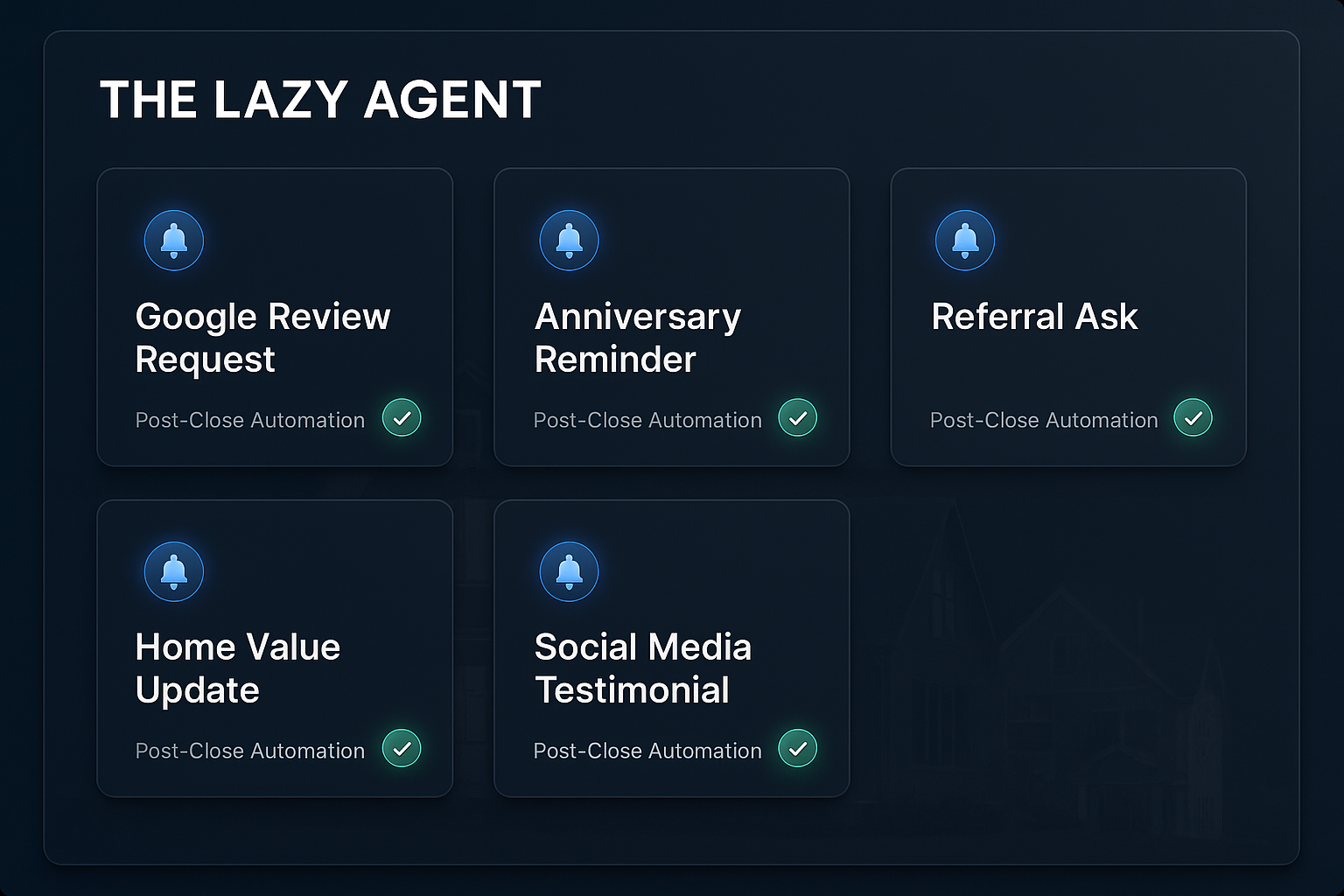
5 Post-Close Real Estate Automations to Set Up Today
1. The 7-Day Google Review Request
Seven days after closing, your client is still on a high. Trigger an automated text and email asking for a Google review with a direct link. This single automation can double your review count within 6 months.
2. The 30-Day Referral Ask
Thirty days post-close, send a personalized message asking if they know anyone looking to buy or sell. Keep it casual: “Hey [Name], hope you’re loving the new place! If anyone in your circle is thinking about making a move, I’d love to help them too.”
3. The 90-Day Home Value Update
Three months after closing, send an automated home value snapshot. Use your CRM’s integration with a valuation tool (or simply pull comps) and send a quick update. This keeps you top of mind and positions you as their ongoing real estate advisor.
4. The Annual Anniversary Check-In
Every year on their closing anniversary, trigger a personalized email or handwritten card automation. Services like Handwrytten or Simply Noted can mail a physical card automatically from your GoHighLevel CRM.
5. The Social Proof Collector
Two weeks after closing, trigger an automated request for a video testimonial or a photo in front of their new home. Offer a simple link to upload. This gives you a steady stream of social proof content you can repurpose across social media.
How to Build These in Under 10 Minutes
All five of these automations can be built inside GoHighLevel or any CRM with workflow automation. The trigger is always the same: when a deal moves to “Closed” status. From there, you add time delays (7 days, 30 days, 90 days, 365 days) and the corresponding message.
If you want the full walkthrough on building automations like these, check out the Real Estate Automation Masterclass for step-by-step instructions.

